



The security solution to encrypt all your information
POver the last few years, the concern about keeping all our private information safe has increased to the maximum extent. Every day there are more and more cases of cyberspying or cybercriminals that steal personal data to blackmail different users. The truth is that there's no such thing as an unbreakable security method but we need to take measures that make it more difficult to access our files on behalf of unauthorized people.
Maximum security encryption for all your files
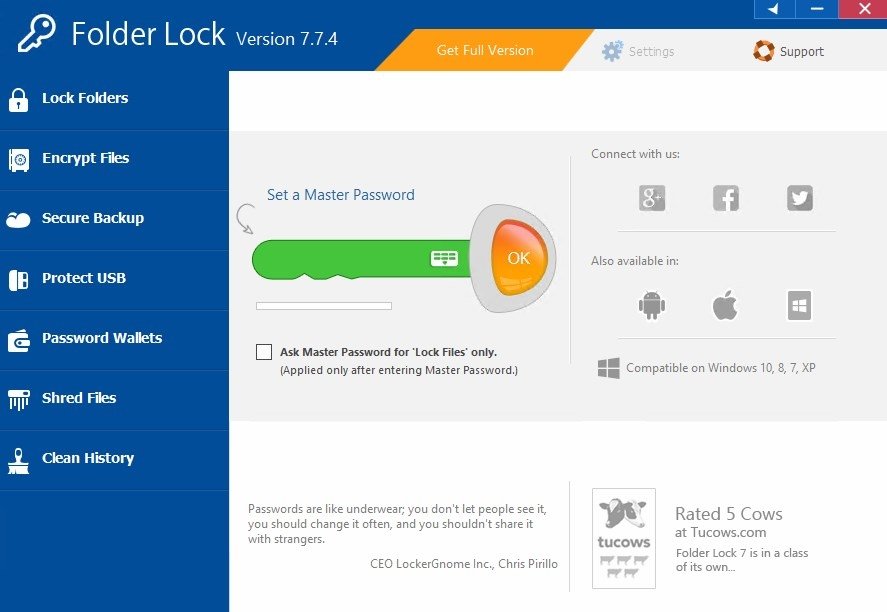
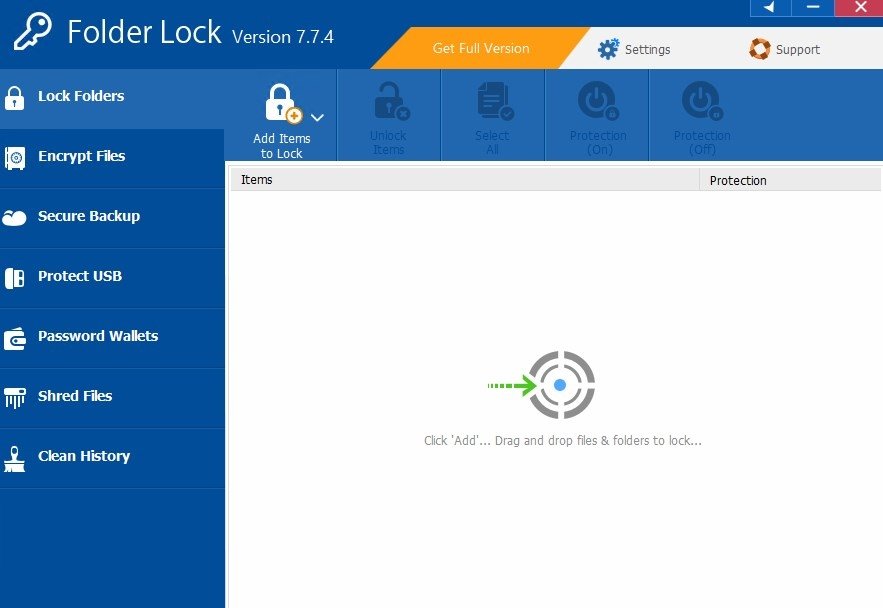
The solution has to do with downloading a program of the likes of Folder Lock which allows us to create one or more folders the access of which is protected by means of a password. These folders implement a 256-bit encryption, allowing us to create maximum security areas on our own PC.
Protect all the files on your computer within encrypted folders.
These are the main features offered by this software:
- Store all your files in safe folders protected by a password.
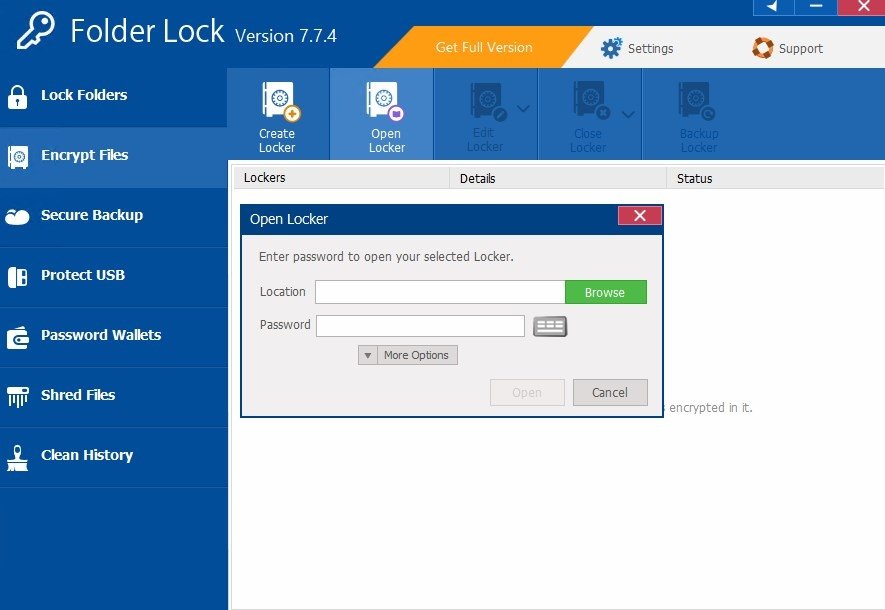
- File encryption following an AES 256-bit protocol similar to the one used in military technology.
- Create safe boxes to store different files.
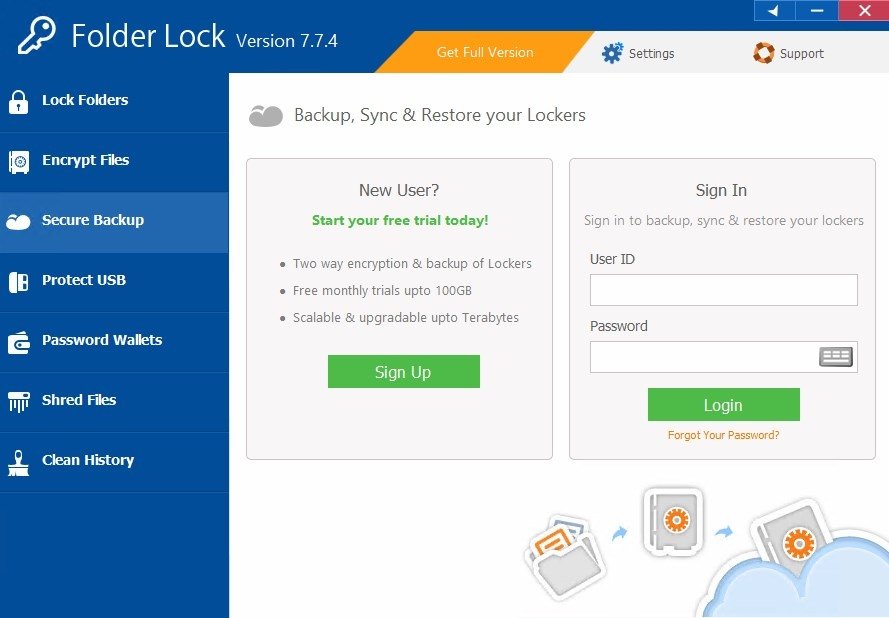
- Carry out backups for each one of the encrypted folders.
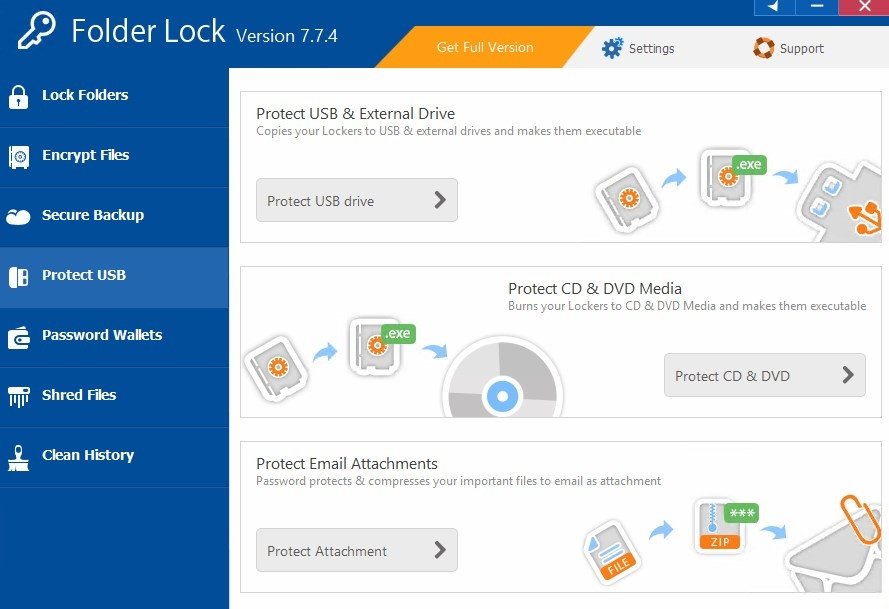
- Protect your USB sticks and other external storage devices.
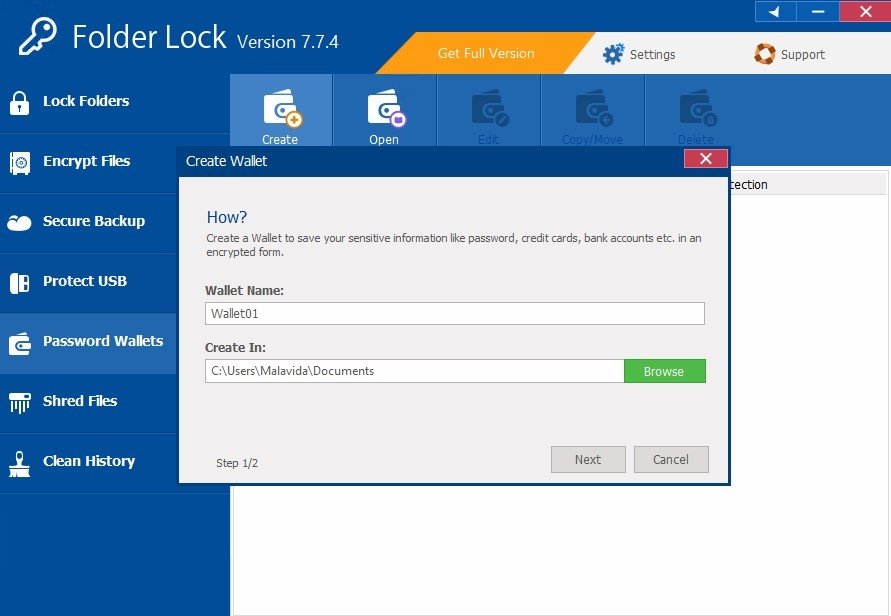
- Safe payment function with the creation of encrypted wallets to use your different digital payment systems.
- Clear the history of your folders by removing the digital print of your files making it more complicated to trace your online activity.
- Destroy files securely to make sure nobody can locate them or associate them with you.
All these features are offered on an interface with a simple design that makes it really easy, fast, and intuitive to handle all the options and configure the program. Furthermore, apart from the desktop version we can download for Windows, the developers of Folder Lock also offer us the possibility to download it in APK format for Android.
Requirements and additional information:
- The trial version can be used for 7 days.
 Elies Guzmán
With a degree in History, and later, in Documentation, I have over a decade of experience testing and writing about apps: reviews, guides, articles, news, tricks, and more. They have been countless, especially on Android, an operating system...

Antony Peel